Anime Zombie Arena Session Checklist
A printable-style checklist so every lobby has a goal, a role, and a clean review.
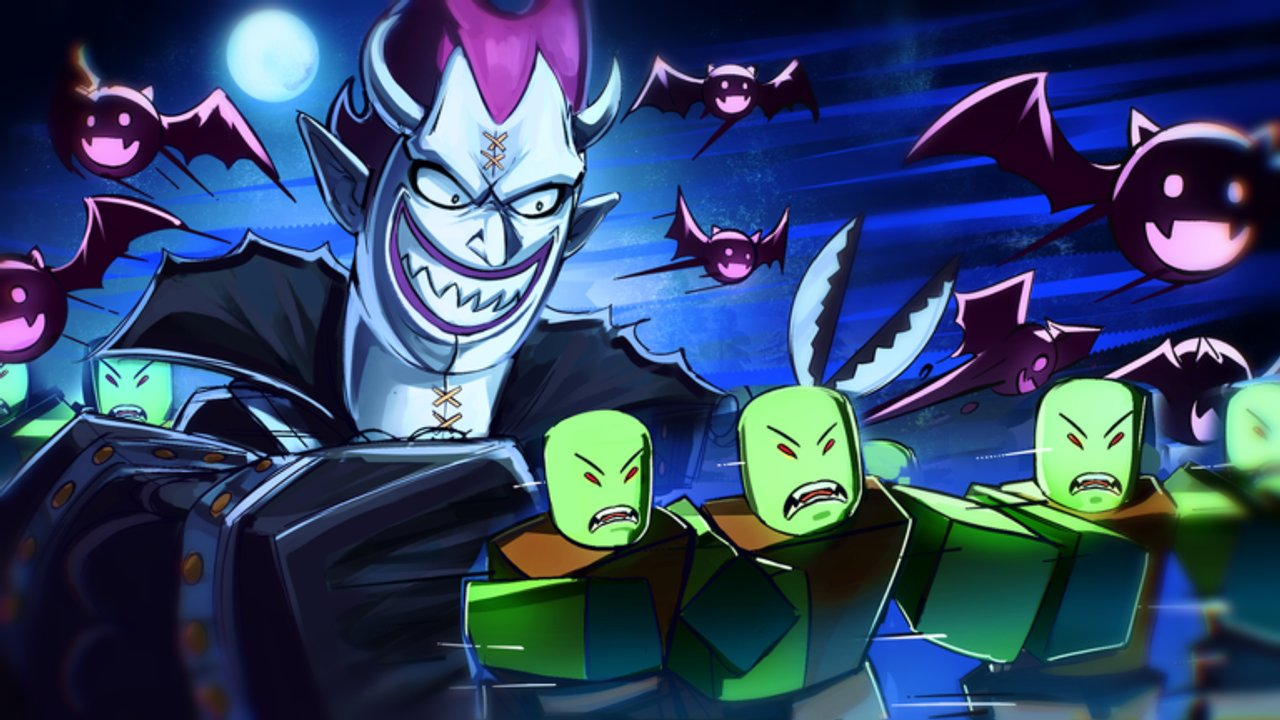
Use this session checklist before you join Anime Zombie Arena on Roblox. Rubicon Z’s Survival arena rewards players who enter with a plan: one role, one summon idea, one spend rule, and one review note. It works for solo labs and 25-player co-op alike.
Print it mentally or copy it into a notes app. Pair it with the Loadout Planner and the Progression Roadmap.
Pre-run checklist (5–10 minutes)
- Launch from the official place (ID
71325865470589). - Confirm you are on the account you actually progress on.
- Skim Updates / November 2026 Snapshot if a new stamp appeared (last verified public stamp: 13 November 2026).
- Check Codes once — still none confirmed; do not paste foreign lists.
- Tune Controls if you switched device.
- Pick tonight’s phase goal from the Progression Roadmap.
- Pick a role: DPS / support / tank-sustain / summoner focus (Classes Guide).
- Pick a summon job that covers your weakness (Units and Summons).
- Set a spend rule: unlock X, or save until Y, no impulse buys.
- Decide solo lab vs co-op lobby (Solo vs Co-op).
Lobby join checklist
- Announce role in chat if the server is populated.
- Glance at teammate kits; fill a missing job instead of cloning glass DPS (Team Building).
- Locate shop / mail / codes UI so you are not hunting menus mid-boss.
- Clear distractions (OS overlays, noisy Discord that is not verified — see Discord Status).
Early waves checklist
- Warm up movement and ability buttons for two short segments.
- Confirm your death cause if you wipe early (Common Mistakes).
- Do not open the shop during active telegraphs.
- Track whether clear speed or survivability is the bottleneck (Wave Survival Strategy).
Mid-session checklist
- Keep summons for planned windows, not reflex presses.
- Restate the spend rule before buying anything.
- If farming, stay on the route from the Farming Guide.
- If practicing bosses, switch to the Boss Guide callouts.
- Hydrate / posture break every long streak so inputs stay clean.
Post-run review (3 minutes)
Write four short lines:
- Goal met? yes / partial / no
- Main failure: positioning / cooldowns / missing sustain / bad summon timing / other
- Next unlock or setting change: …
- Next mode: solo lab / public co-op / boss focus
Then update the Loadout Planner if your role or summon job changed.
Weekly meta checklist
Once per week (or after any publish):
- Re-read Rubicon Z group posts and Official Links.
- Confirm Trello Status and Discord status still match reality.
- Recheck Scripts Hub temptation — still no verified dedicated scripts; skip executors.
- Refresh tier thinking with Class Tier List and Unit Tier List only if gameplay felt different.
- Skim Patch Notes for timeline anchors and public stats (~361K+ visits, ~1,474 favorites, ~86% positive among votes cast in the mid-November review).
Example session cards
Card A — New class lab
Goal: Phase 2 mastery. Mode: solo. Spend rule: no buys. Success: full short run on role job only.
Card B — Public sustain fill
Goal: Phase 5 stability. Mode: co-op. Role: sustain. Spend rule: save. Success: announce role + survive mid waves without shop panic.
Card C — Boss exam
Goal: Phase 6. Mode: co-op. Summon saved for burst. Success: one planned boss attempt with a written wipe cause if it fails.
Related pages
- Tools Hub — planners overview
- Loadout Planner — deeper loadout fields
- Progression Roadmap — phase order
- Players Hub — controls and habits
- Guides Hub — strategy articles
Tick the boxes, play the plan, then stop. A short honest review beats another hour of random waves.
Frequently Asked Questions
Quick answers for Anime Zombie Arena players.
How long should the pre-run checklist take?
About five to ten minutes. If it takes longer, you are over-planning — pick one goal and queue.
Do I need to check codes every session?
Yes, once. Codes can appear with milestones, but none were confirmed after the 13 November 2026 stamp. Checking once prevents rumor spam mid-run.
What is the most important mid-session rule?
Keep your spend rule and summon windows. Impulse shop visits during telegraphs cause wipes.
How do I use this with the Loadout Planner?
Planner locks class role and unit jobs; this checklist times when you execute and review them each session.
Should I run the weekly meta checklist every night?
No. Use it weekly or after a new Roblox update stamp so you do not rebuild teams on rumors.