Anime Zombie Arena Players & Controls
Input setups, settings tips, and player-facing prep for 25-player zombie arenas.
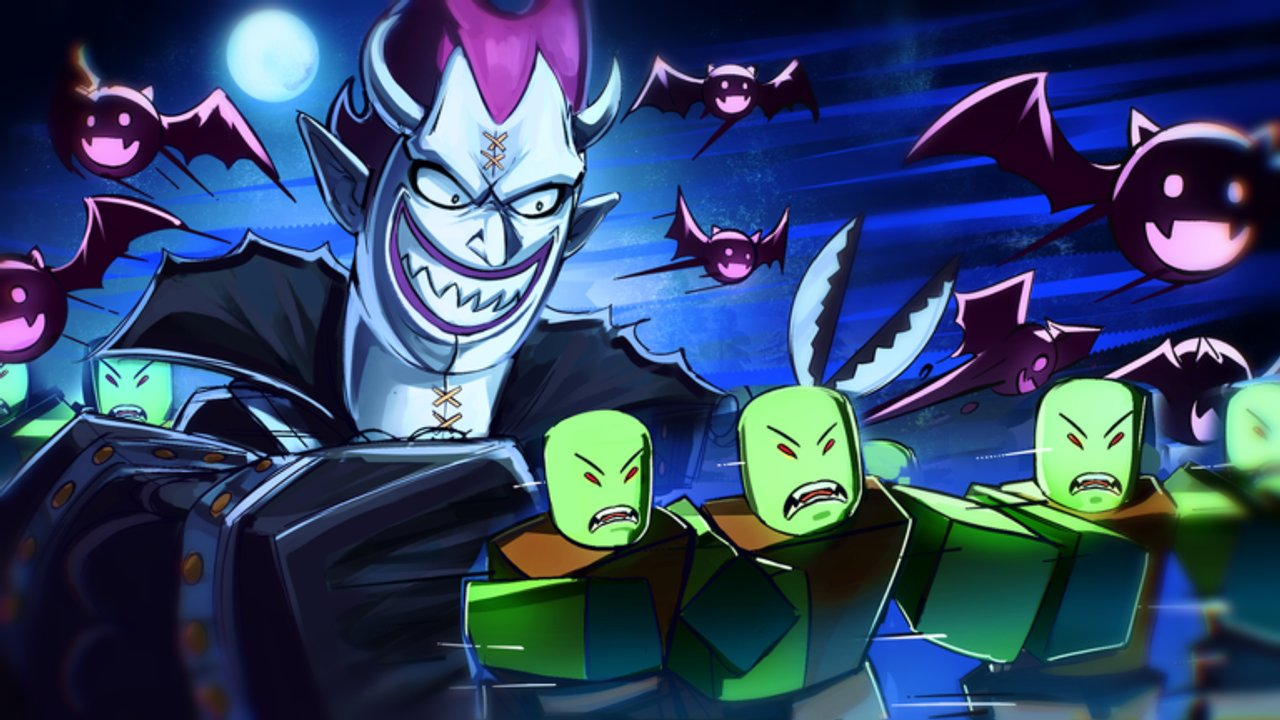
The Players Hub is where Anime Zombie Arena survivors tune the human side of the game: inputs, settings, beginner habits, and session prep. Rubicon Z’s Roblox place is a free survival arena with endless zombie waves, unlockable classes, summonable legendary units, bosses, and team building for up to 25 players. Great kits still wipe if your camera, keybinds, or touch layout fight you during a boss telegraph.
Pages in this hub
- Controls — PC, mobile, and console expectations for a Roblox survival arena, plus settings tips that reduce panic misinputs.
- Beginner Tips — first-hour mistakes, currency discipline, lobby UI checks after patches, Rubicon Z group habits, wave and team-building pointers, with links into getting started, codes, updates, and farming.
Master controls and beginner habits before you chase tier-list upgrades.
Why controls belong next to tier lists
Anime Zombie Arena asks you to:
- Reposition constantly as waves surround the arena.
- Time class abilities on short windows.
- Summon legendary units without eating the wrong hotkey.
- Read boss tells while the lobby chat scrolls.
That stack is brutal on a default mobile layout or an unadjusted mouse sensitivity. Spend ten minutes in Controls, skim Beginner Tips, then validate your setup in a short farm run from the Farming Guide before hard boss attempts.
Session setup checklist
Use this before ranked-feeling public lobbies:
- Confirm platform inputs feel natural (see Controls).
- Review Beginner Tips if you are new or returning after a publish.
- Claim anything active on Codes.
- Pick a role mindset with the Classes Guide and Class Tier List.
- Plan summons with Units and Summons or the Unit Tier List.
- Fill the Loadout Planner checklists for wave goals and boss prep.
- Skim How to Play if you are rusty on positioning and co-op calls.
New accounts should start at Getting Started instead of jumping straight into meta hunting.
Co-op player habits
In a 25-player lobby, “player skill” includes social clarity:
- Say whether you are playing DPS, support, tank/sustain, or summoner focus.
- Do not stack four identical glass roles if bosses keep wiping the group — swap using the frameworks in the Boss Guide.
- Summon on shared burst windows, not the second the button lights up with nobody watching the objective.
- After a wipe, reset calmly; panic requeues without fixing positioning or role gaps repeat the same death.
These habits cost nothing and raise clear rates more than a random unlock.
Platform notes at a glance
- PC — highest precision for dodges and ability aim; bind summons where your fingers already rest.
- Mobile — prioritize readable ability buttons and a camera scheme you can adjust mid-wave; see detailed tips on Controls.
- Console — confirm Roblox controller mappings for the experience and keep menus unbound from combat faces.
Roblox updates and device OS overlays can steal focus. Close notification-heavy apps before long endless-wave sessions. After the 12 Nov 2026 stamp, re-check lobby UI using Updates and the November 2026 Snapshot.
How this hub connects to the rest of the wiki
- Guides Hub — mechanical deep dives and walkthroughs.
- Tier List Hub — what to invest in once your hands are comfortable.
- Tools Hub — planners that turn prep into checklists.
- Updates — when patches might change default binds or UI.
Bookmark Controls and Beginner Tips on every device you play. Revisit after any Roblox client update or when you switch from phone to PC mid-week. Stable inputs make every other Anime Zombie Arena guide more valuable.
Frequently Asked Questions
Quick answers for Anime Zombie Arena players.
What is under the Players hub right now?
Controls for PC, mobile, and console, plus Beginner Tips for first-hour habits, currency discipline, and post-patch lobby checks.
Do I need a gaming PC to play Anime Zombie Arena?
No. It is free on Roblox across supported devices. Optimize Controls for your platform; precision differs, but frameworks stay the same.
Should I change settings before unlocking classes?
Yes. Stable camera and ability inputs matter from wave one. Fix Controls first, then follow Getting Started, Beginner Tips, and the Classes Guide.
How many players are in a lobby?
The experience supports up to 25 players. Plan roles and summons with co-op value in mind.
Where do I plan my class and unit loadout?
Use the Loadout Planner in Tools, informed by the Class and Unit tier lists and the Classes Guide.